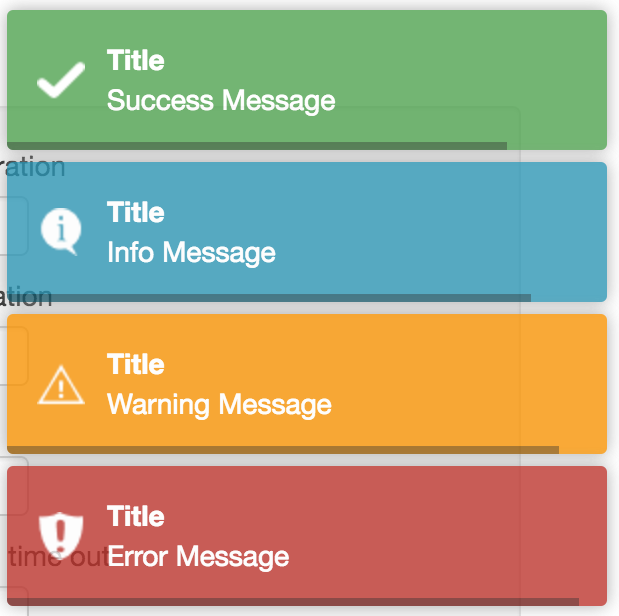
:eyes: This package helps you to add toastr.js notifications to your Laravel projects.
## Version 3 Update
With the release of version 3, `yoeunes/toastr` is now powered by [PHPFlasher](https://github.com/php-flasher/php-flasher). When you install this package, it automatically utilizes [PHPFlasher](https://packagist.org/packages/php-flasher/flasher-toastr-laravel) under the hood. For those who are already using [PHPFlasher](https://php-flasher.io/library/toastr/) or are interested in a more direct implementation, you might consider using [PHPFlasher](https://php-flasher.io/library/toastr/) directly as it offers the same API and additional features.
## Install
You can install the package using composer
```sh
composer require yoeunes/toastr
```
After installation, publish the assets using:
```bash
php artisan flasher:install
```
## Usage:
The usage of this package is very simple and straightforward. it only required one step to use it :
Use `toastr()` helper function inside your controller to set a toast notification for `info`, `success`, `warning` or `error`
```php
// Display a success toast with no title
flash()->success('Operation completed successfully.');
```
As an example:
```php
only(['title', 'body']));
if ($post instanceof Model) {
toastr()->success('Data has been saved successfully!');
return redirect()->route('posts.index');
}
toastr()->error('An error has occurred please try again later.');
return back();
}
}
```
## License
MIT